Given only 15 min, can you create a 5 min presentation about an AI software you’ve never heard of before? Sounds impossible, right? Well, impossible or not, this was what we were tasked with. My partner and I chose the software Vectorizer.ai. The both of us agreed the most efficient way to approach this was to divide and conquer.
I started by going to the Vectorizer.ai website and exploring the page that describes what it is. I then decided that it would take way too long to read through the site on our own while also summarizing our findings in a well-rounded, polished presentation, so our best bet would be to utilize artificial intelligence. I began writing a prompt for ChatGPT to start working on the slideshow for us.
Meanwhile, my partner got to work exploring the Vectorizer.ai software so that we would be familiar with how it works. That way, when the presentation was generated by ChatGPT, we could fact-check it and see if we needed to disregard any irrelevant information. He would also be able to quickly explain to me how it works so we would be semi-familiar with the site when showing the class.
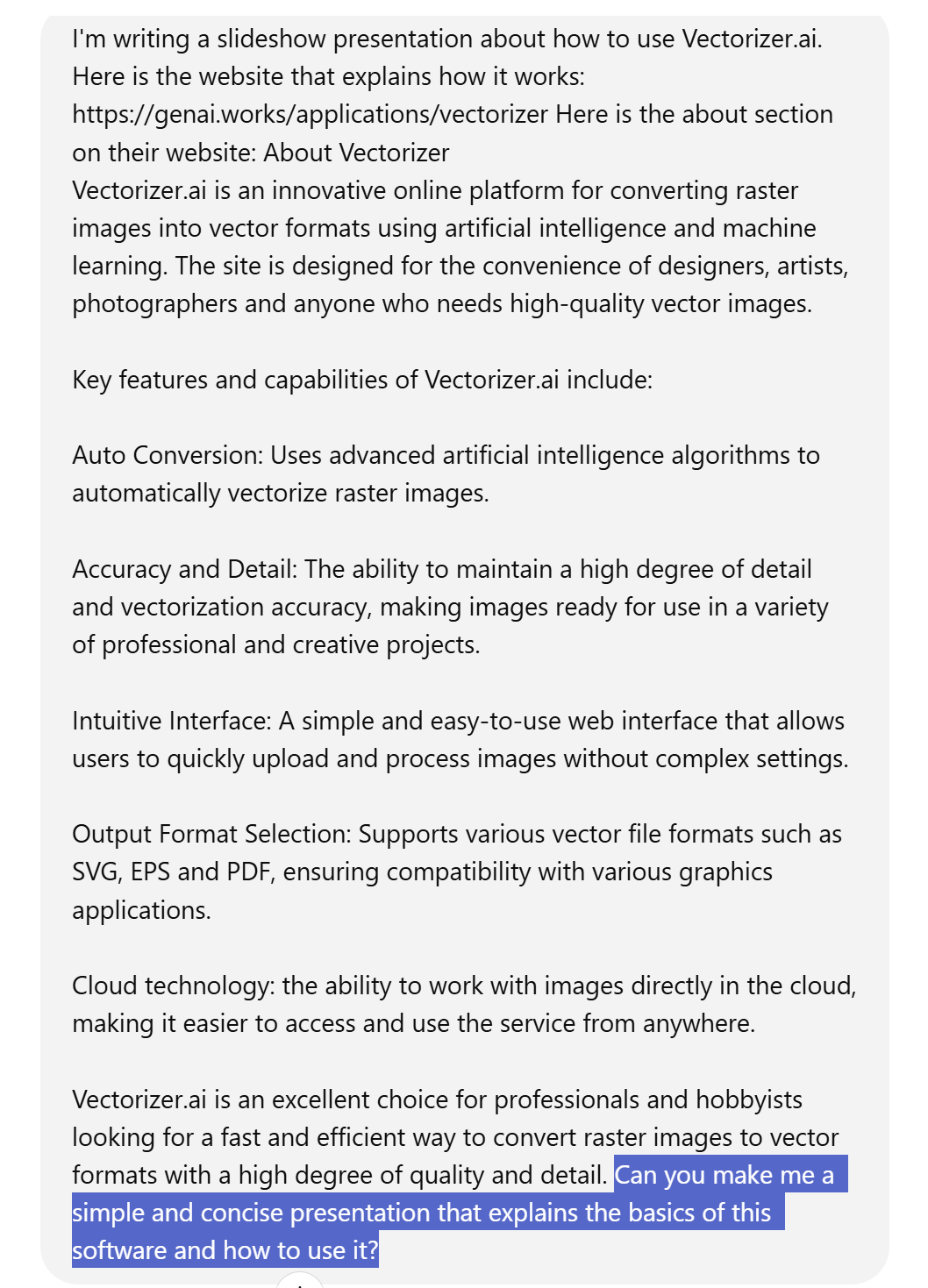
As I was writing the ChatGPT prompt, I made sure to give the AI enough details to give us an overview in the form of a concise slideshow instead of a lengthy summary. A screenshot of the prompt is shown to the right. I made sure to give ChatGPT both a link to the website and the copy text from the About Us page so that it mainly used the Vectorizer.ai site itself instead of scavenging the rest of the web for resources.
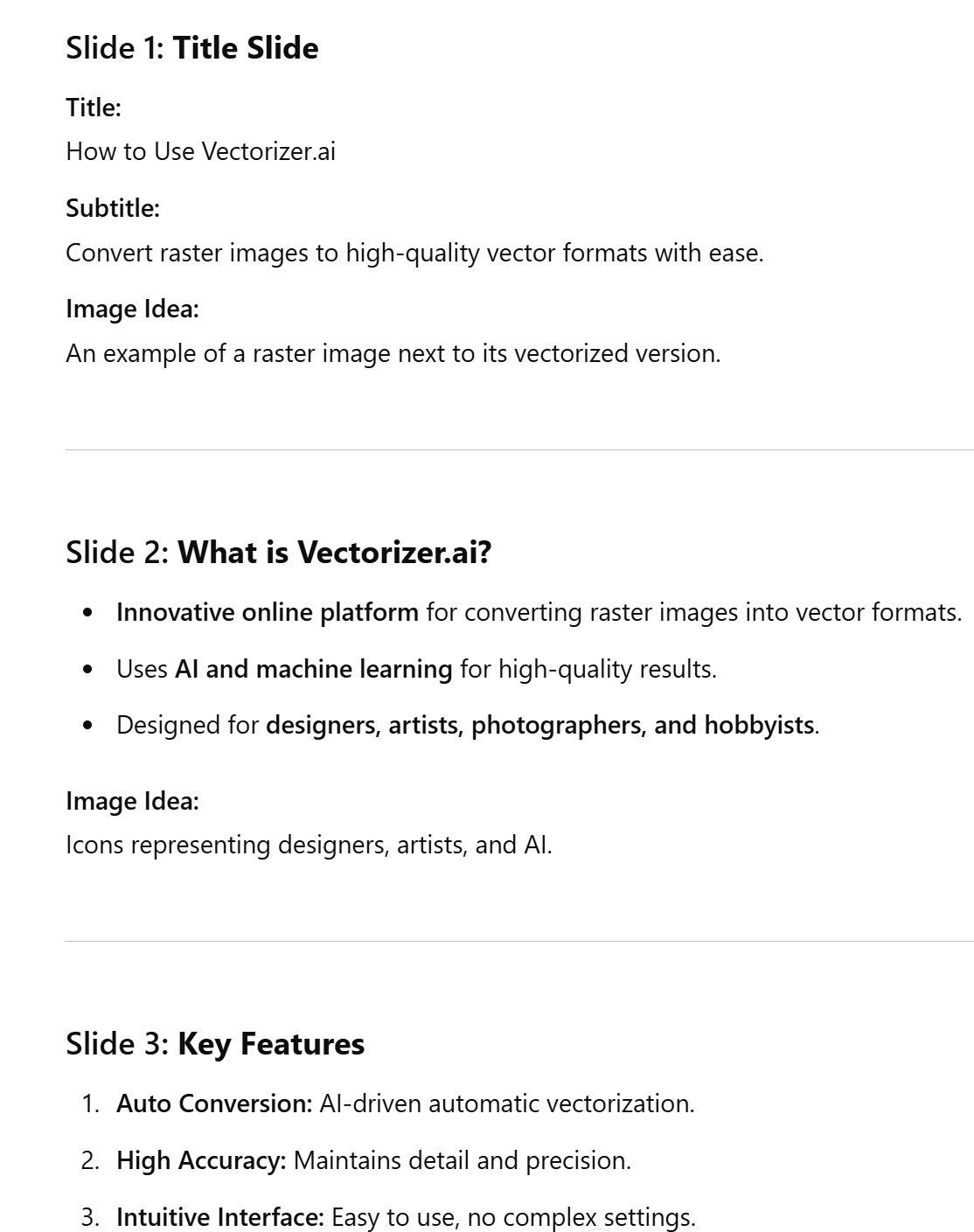
Once the slideshow’s outline was generated, we started copying & pasting the text into Google Slides. We then needed to add in pictures to make the presentation more interesting. One of the nice things about ChatGPT’s response was that it was able to give us recommendations for pictures to add in for each slide.
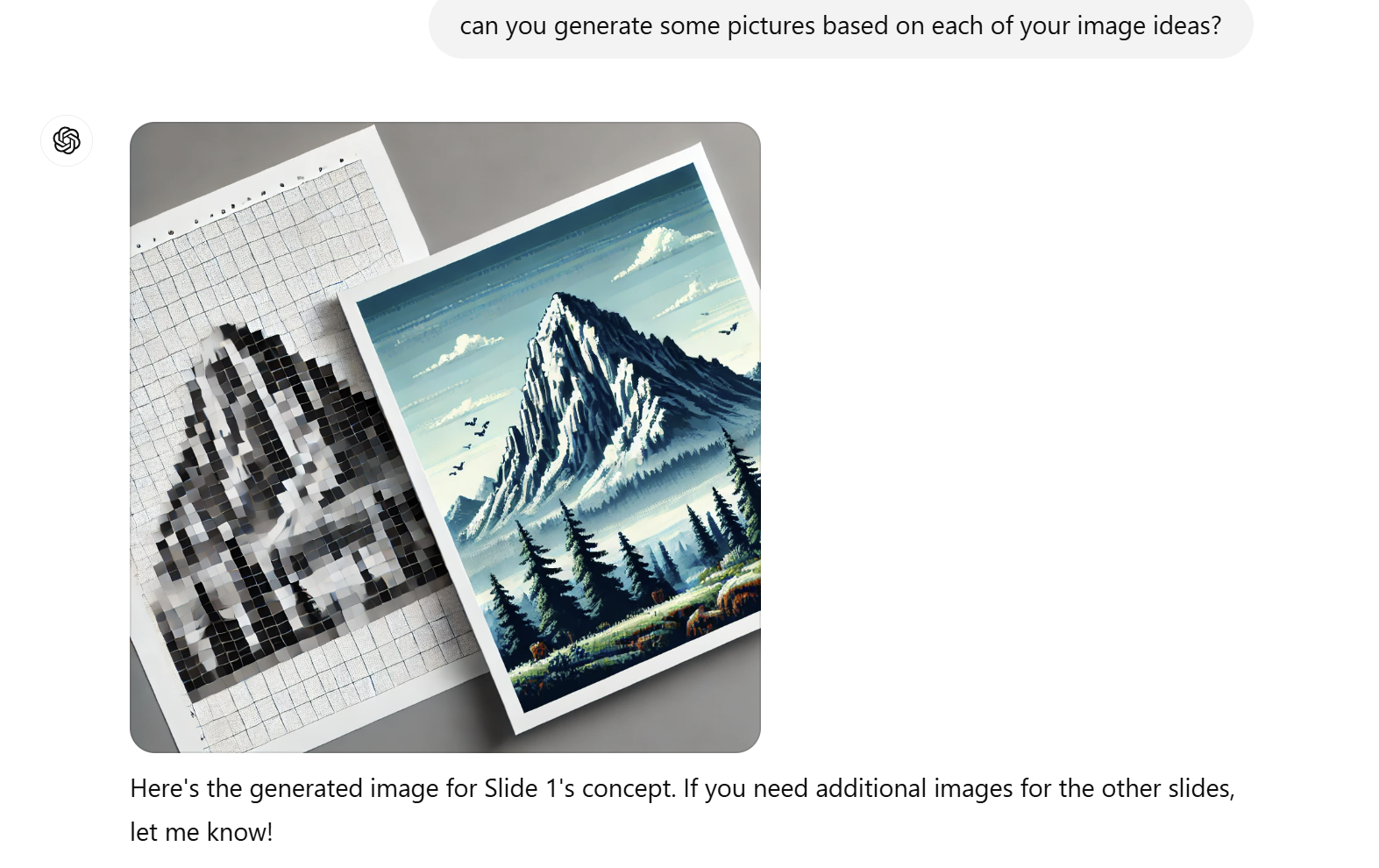
However, I wondered if there was a faster way to get the pictures in there than Googling each one. I asked ChatGPT to generate pictures based on each of its image ideas. It generated one picture which was mediocre and not exactly on topic. On top of that, the image took a long time for ChatGPT to generate and we encountered a problem with incompatible file types for the Google Slides. After encountering this problem, we decided we did not have time to investigate why this was happening and decided it would be more efficient to Google each picture ourselves and paste it directly into the presentation.
When the 15 min timer went off, we had a solid semi-polished presentation with a general theme and pictures on each slide. However, our professor decided to throw us a curveball by saying that instead of presenting the finished presentation about our software, we would instead discuss the process we took to get there. My partner and I shared with the class how we thought through solving the 15 min challenge and we got to listen and learn from all of our classmates’ processes. At the end of this activity, I felt better prepared for how to handle an on-the-spot challenge such as this, in case I ever encounter another one in a formal setting such as an interview for a future job, where I will need to show how I can handle sudden problems that arise and utilize my resources to accomplish a task efficiently with a teammate.
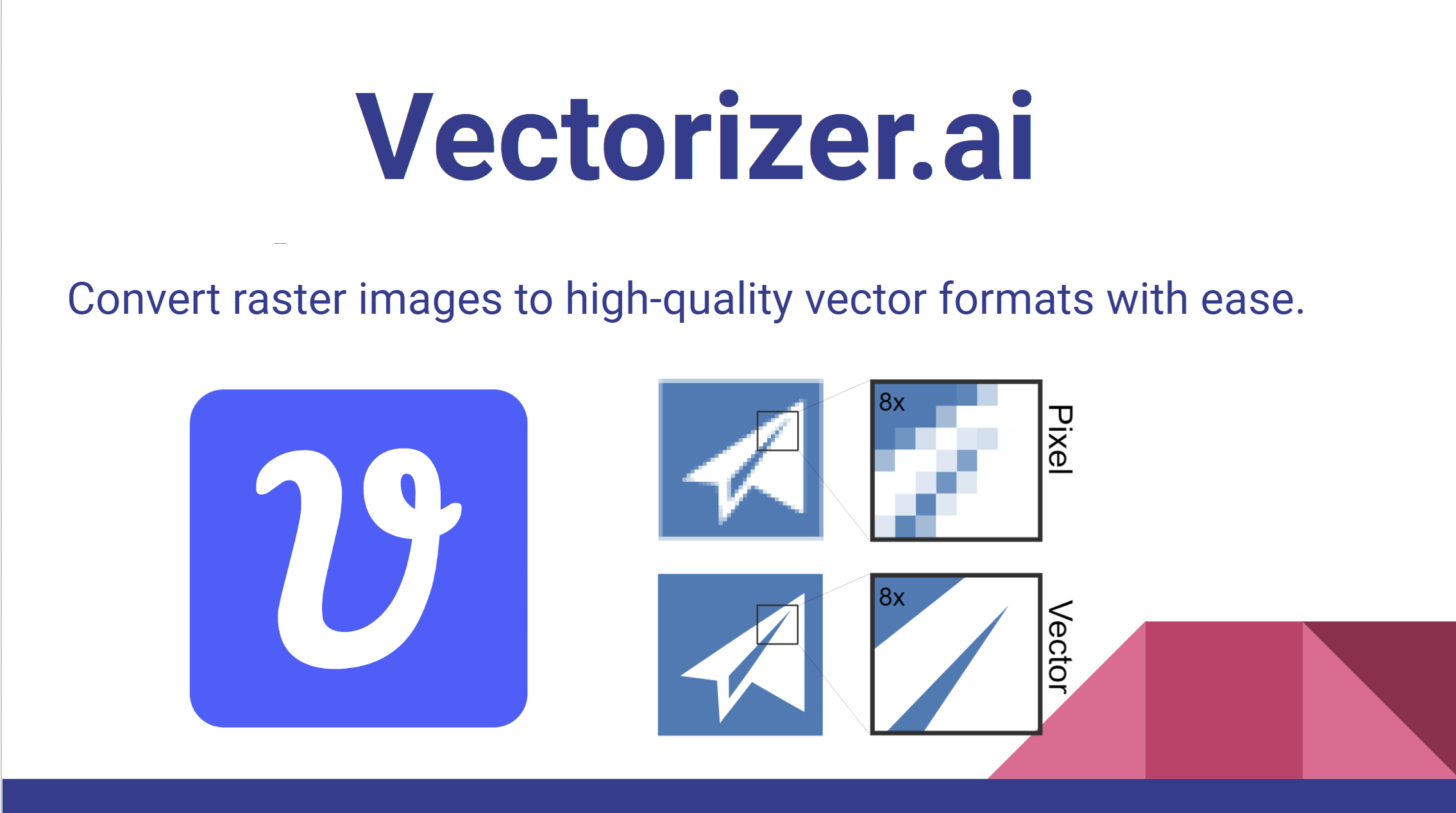
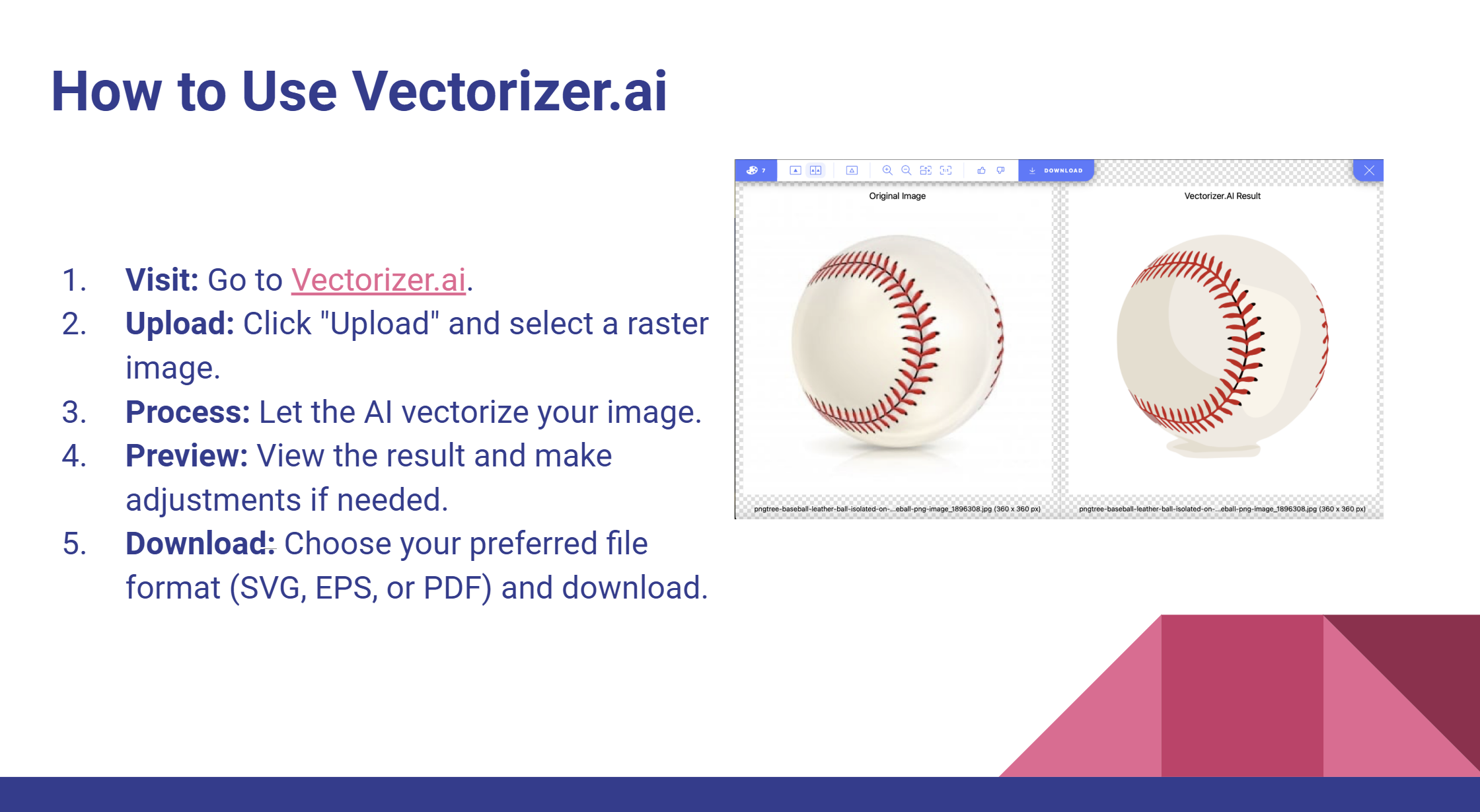
Shown below are some slides from my 15 min presentation
Shown below are some screenshots from ChatGPT I used when making the presentation