Communication is difficult! We were tasked with creating a slideshow presentation about a new AI software that we have never used before and we needed to utilize the features in Notion (which we have also never been exposed to) to create this. Besides the time constraint, we also needed to work together with a group of 5 people where no one was allowed to talk to each other except for in Notion’s features.
I found the starting point was a challenge because even though my group all gathered together in Notion’s typing feature, it was really difficult to figure out where to start. Initially, one member started listing the group members and trying to assign jobs, however I was still struggling to locate the website we were supposed to be on, so claiming a job was quite difficult. My only way to ask for help was through the chat feature and I needed to wait for someone to read my request for help (underneath all the other text about organizing tasks for our presentation). Meanwhile, I continuously researched how to get to the webpage we needed to be on before someone finally found a link to paste in the chat.
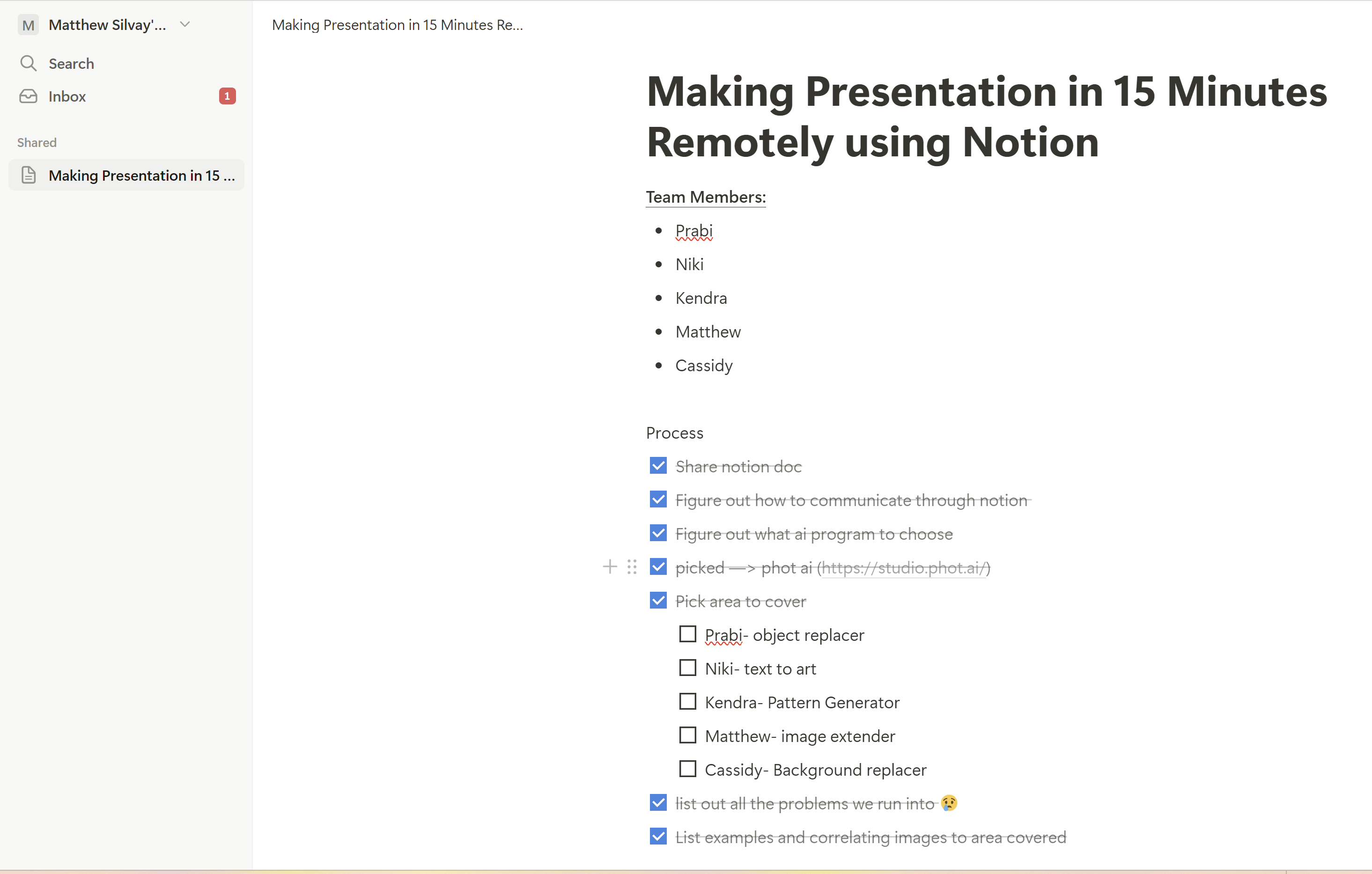
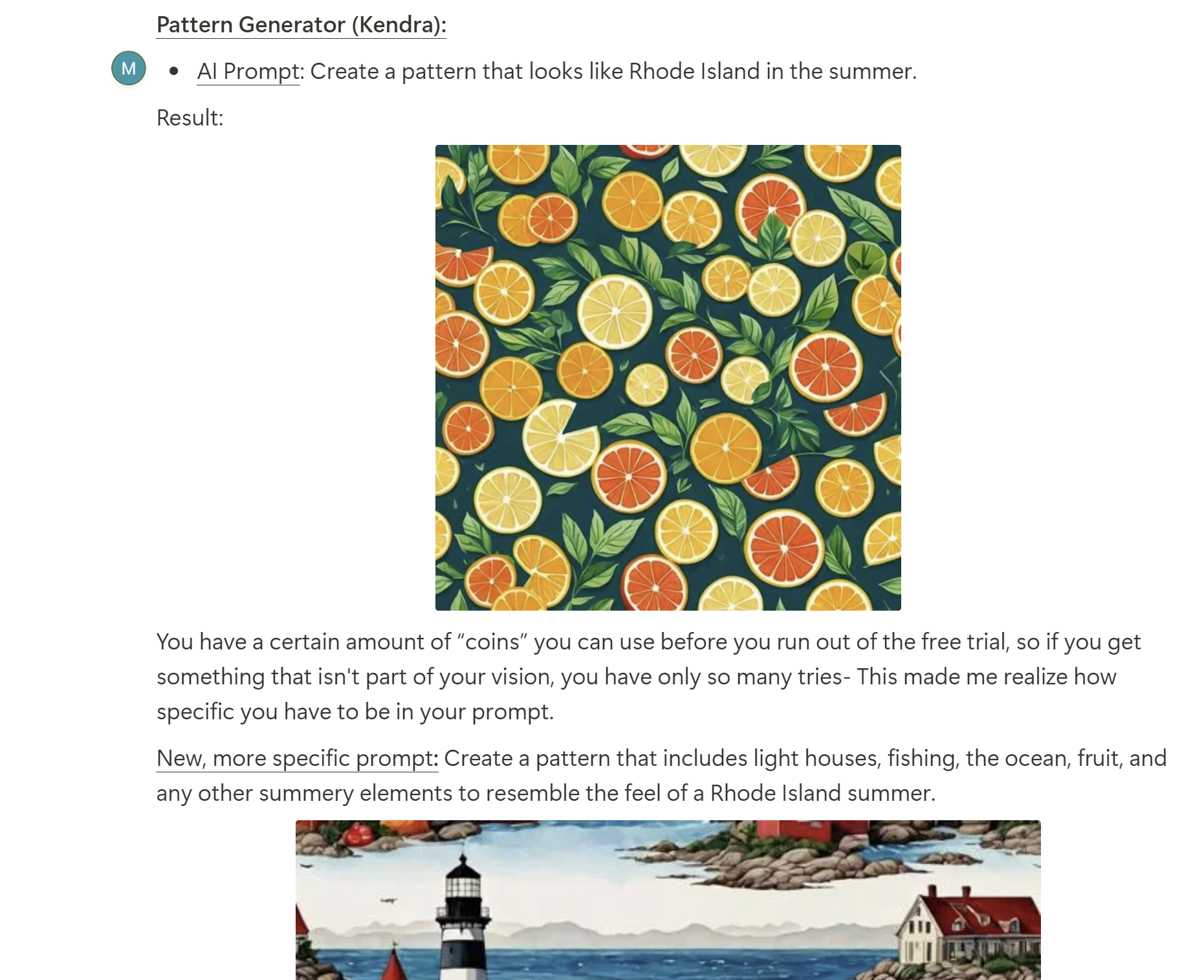
Although communication was a struggle, organization is one of Notion’s best strengths. There were many easy-to-use formatting options we encountered when organizing our presentation. We used bulleted lists, checklists, underlining & bold text to create hierarchy, and pasted many images in the chat to communicate our progress so everyone could efficiently see what we were working on.
After this activity, I feel I learned a lot about how much you can discover and utilize a product’s features in just 15 min while also trying to stay on-task with the final goal of creating a presentation. I also learned about how important it is to find ways to communicate with group members even when you are all remote. There is a lot more to Notion that I wish we had time to explore since it could prove useful in the future when working on a presentation like this.